Tips for Creating a Cozy and Functional Home Office Space
Creating a home office that feels both cozy and functional can transform your work-from-home experience. A well-designed workspace not only boosts productivity but also promotes comfort, making long hours more enjoyable. Whether you have a dedicated room or a small corner, these tips will help you craft a space that meets your needs and feels inviting.
Choose the Right Location
Consider Natural Light
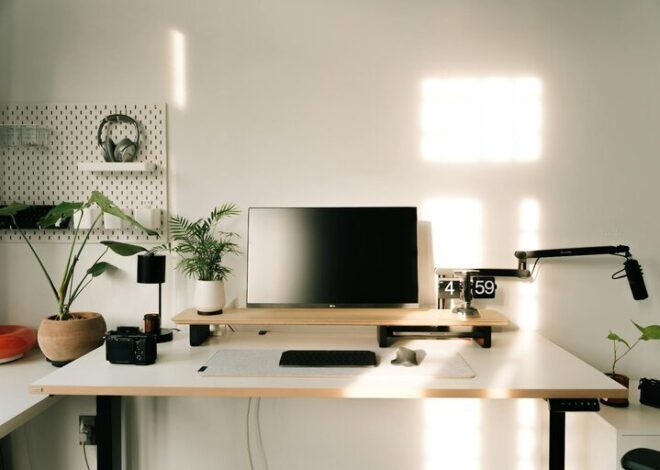
Select a spot in your home that receives plenty of natural light. Sunlight can improve mood and reduce eye strain, which is essential for long work sessions. If possible, position your desk near a window, but avoid placing your computer screen directly opposite the window to prevent glare.
Evaluate Noise Levels
Pick an area that is relatively quiet and free from distractions. If noise is unavoidable, think about noise-canceling headphones or soft background music to maintain focus.
Invest in Comfortable Furniture
Ergonomic Chair
A supportive chair is a must-have for any home office. Look for one that supports your lower back and encourages good posture. Adjustable height and armrests add versatility and comfort.
Spacious Desk
Choose a desk that fits your work essentials without feeling cramped. Consider desks with built-in storage options to keep your area tidy.
Optimize Lighting
Layered Lighting
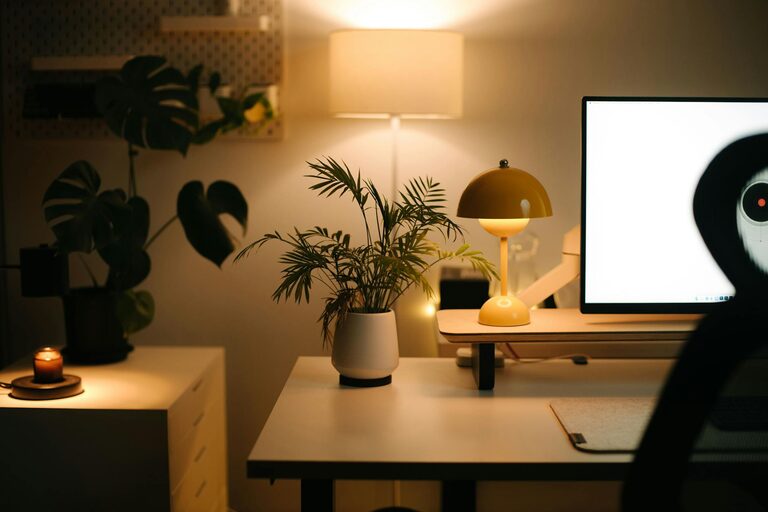
Combine natural light with task lighting and ambient lighting. A desk lamp with adjustable brightness can help reduce eye strain during late hours.
Warm Light Bulbs
Opt for warm-toned bulbs instead of harsh white ones to create a relaxing environment. This subtle change can make your office feel more inviting.
Personalize Your Space
Add Cozy Elements
Incorporate soft cushions, a throw blanket, or a small rug to add warmth and comfort to your office. These touches can make the space feel less sterile and more like your own.
Decorate Thoughtfully
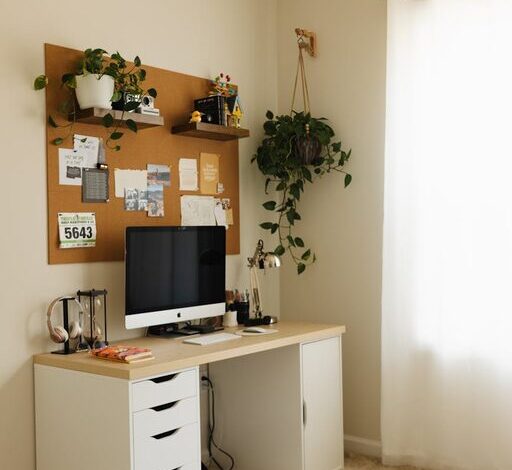
Use artwork, plants, or photos to personalize your workspace. Plants, in particular, improve air quality and add a touch of nature indoors.
Stay Organized
Use Storage Solutions
Keep your desk clutter-free with organizers, shelves, or filing cabinets. Proper storage makes it easier to find what you need and reduces stress.
Cable Management
Tidy cords with clips, sleeves, or a cable box to prevent tangled wires and maintain a clean look.
Incorporate Technology Wisely
Reliable Equipment
Invest in reliable internet, a quality monitor, keyboard, and other tools that make your work efficient.
Minimize Distractions
Set up your devices in a way that prevents unnecessary interruptions, and use apps that help you stay focused during work hours.
Set Boundaries
Define Work Hours
Establish clear work hours and communicate them to family or roommates. This helps maintain a balance between work and personal time.
Separate Work and Relaxation
If possible, keep work confined to your office space to mentally separate work from leisure time.
Maintain Cleanliness
Regular Cleaning Routine
Keep your workspace dust-free and tidy. A clean area promotes better concentration and creates a more pleasant environment.
Declutter Often
Periodically assess your items and remove anything unnecessary to keep the space efficient and comfortable.
—
Designing a cozy and functional home office is about balancing comfort with practicality. By focusing on lighting, furniture, personalization, and organization, you create a space where work feels natural and enjoyable. Remember, your office should inspire productivity while also being a place where you feel relaxed and at ease. Start with these tips, and tailor your space to fit your unique style and needs.