Tips for Organizing a Productive Home Workspace
Working from home has become a common part of many people’s lives. Whether you’re a full-time remote employee, a freelancer, or someone who occasionally works from home, having a well-organized workspace is key to staying productive and motivated. A cluttered, uncomfortable area can lead to distraction, frustration, and lower efficiency. In this post, we’ll explore practical tips to help you create a home workspace that supports your best work.
Choose the Right Spot
Find a Quiet Area
Pick a location in your home that is as quiet and free from interruptions as possible. If you have a spare room, that’s ideal. If not, select a corner or nook that you can dedicate just for work. Try to avoid high-traffic areas like the living room or kitchen.
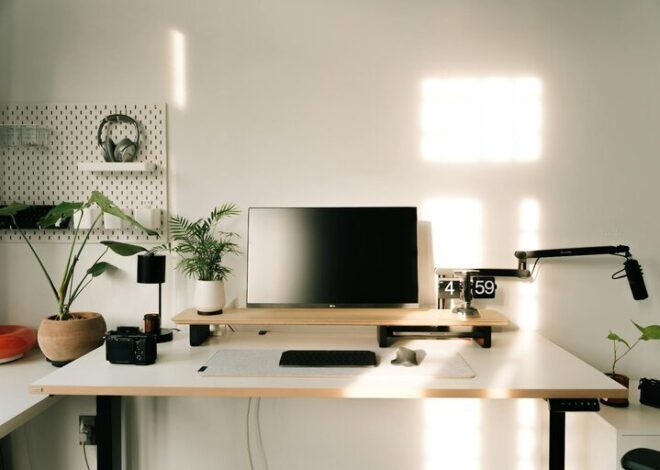
Consider Natural Light
Natural daylight improves mood and focus. Set up your desk near a window if you can. If that’s not possible, use bright, warm lighting to keep your workspace inviting and reduce eye strain.
Invest in Comfortable and Functional Furniture
Ergonomic Chair and Desk
Proper furniture helps prevent discomfort and health issues related to long hours at a desk. An adjustable chair with good lumbar support and a desk at the right height can make a big difference. Your feet should rest flat on the floor, and your eyes should be level with the top of your computer screen.
Adequate Desk Space
Ensure your desk surface is large enough to hold all essential items—computer, notepad, stationery—without feeling cramped. A tidy, spacious desk encourages better focus.
Minimize Clutter and Organize Efficiently
Use Storage Solutions
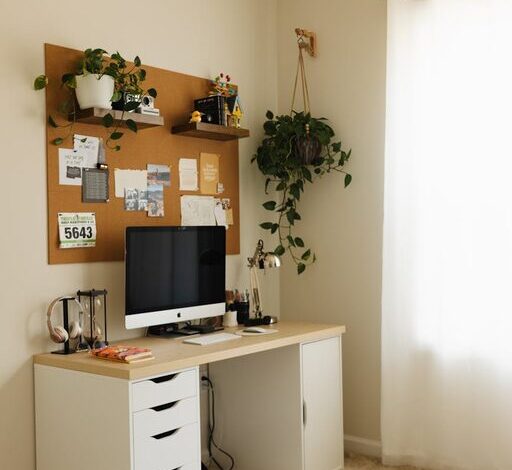
Invest in shelves, drawer organizers, file holders, and desk organizers to keep your supplies neat and within reach. Label containers and files so you can find everything quickly.
Limit Desk Items
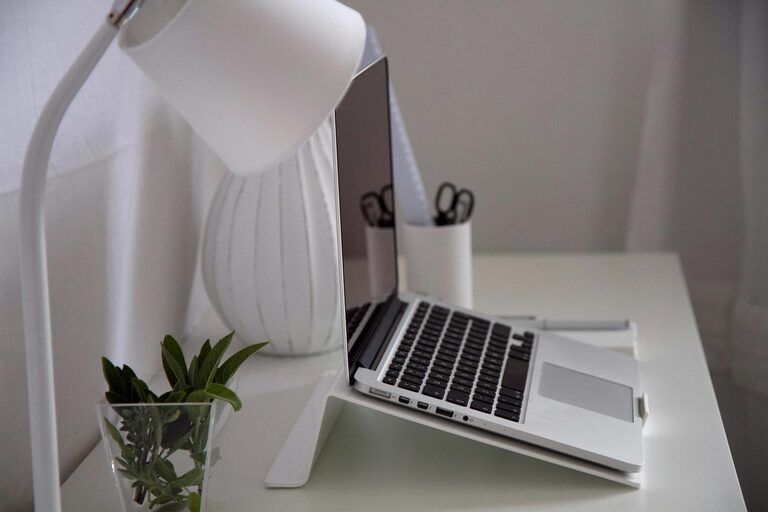
Keep only the items you use daily on your desk. Unnecessary objects add clutter and distract you. A clean workspace supports clear thinking.
Implement a Cable Management System
Unruly cords can make your area look messy and pose tripping hazards. Use cable ties, clips, or a cable box to keep wires out of sight.
Personalize Without Overdoing It
It’s important your workspace feels inviting, but avoid decorations that might distract you. Photos, a small plant, or inspirational quotes can brighten the space without causing clutter.
Establish a Routine and Boundaries
Set Working Hours
Define clear start and finish times to separate work from personal life, especially if your workspace is in a shared area. Using a physical signal like closing a door or placing a sign can help others know when you’re busy.
Take Regular Breaks
Follow the 50-10 or 25-5 rule—work for 50 or 25 minutes, then take a 10 or 5-minute break. Use breaks to stretch, hydrate, or step outside briefly.
Optimize Technology
Reliable Internet and Equipment
Ensure your internet connection is strong and your devices are up to date. Slow technology disrupts workflow and causes unnecessary stress.
Use Headphones or Speakers
If background noise is an issue, headphones with noise cancellation can help. Alternatively, play soft instrumental music to enhance concentration.
Organize Digital Files
A clean digital workspace complements a physical one. Create clear folders and use consistent naming to keep your files easy to find.
Keep the Area Clean
Set aside time regularly to dust, wipe surfaces, and declutter. A clean workspace contributes to a positive mindset and reduces distractions caused by mess.
—
Creating a home workspace that supports your productivity doesn’t require a major renovation. With careful planning and some thoughtful adjustments, you can design a space that helps you stay focused, comfortable, and motivated throughout your workday. Try these tips to make your home workspace a place where you want to be productive every day.