Tips for Creating a Cozy and Productive Home Office Space
Creating a home office that feels cozy yet supports productivity can make a significant difference in your work-from-home experience. Whether you’re a remote worker, freelancer, or simply need a dedicated space for projects, designing an environment that encourages focus while providing comfort is key. Here are some detailed tips to help you create a home office space that is both inviting and efficient.
Choose the Right Location
Consider Natural Light
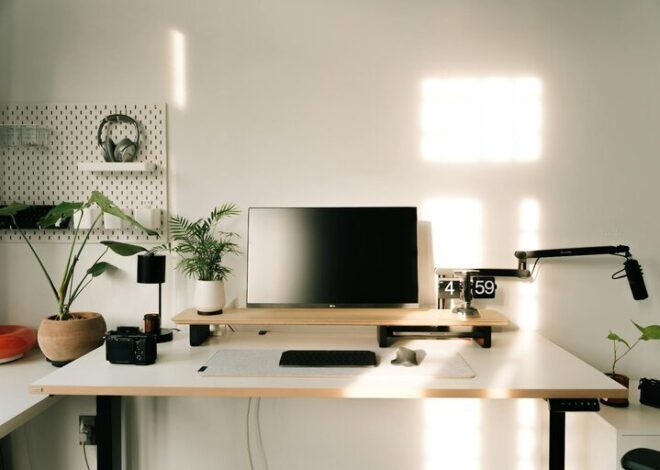
Selecting a spot with plenty of natural light can boost your mood and reduce eye strain. Try setting up near a window, but position your desk to avoid glare on your computer screen.
Quiet and Privacy
Find a space that limits distractions. A room with a door or a corner away from busy areas in your home can help you stay focused and maintain privacy during calls or deep work sessions.
Invest in Comfortable Furniture
Ergonomic Chair and Desk
Comfort is crucial during long hours. Choose an ergonomic chair that supports your back, and a desk at the right height to avoid strain on your wrists and shoulders.
Flexible Options
If seated work becomes tiring, consider options like a standing desk or a desk converter, allowing you to alternate between sitting and standing throughout the day.
Organize Efficiently
Declutter Regularly
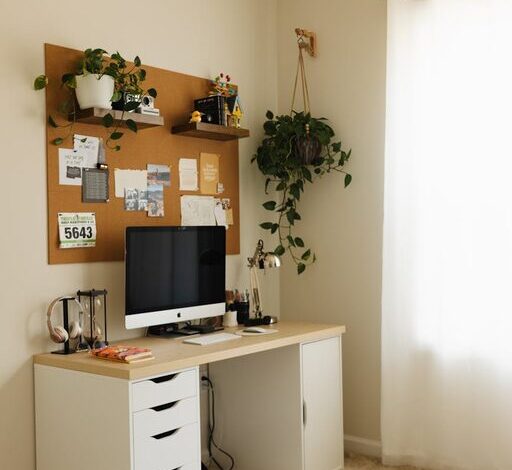
A tidy workspace reduces stress and helps maintain focus. Keep only essential items on your desk and use storage solutions like shelves, drawers, and organizers for other supplies.
Cable Management
Tidy up cables with clips, sleeves, or under-desk trays to keep your workspace neat and free from tangles.
Personalize for Comfort
Add Warm Textiles
Incorporate cozy elements like throw blankets, cushions, or a soft rug to make the space feel warm and inviting.
Use Calming Colors
Decorate with colors that promote calmness and concentration, such as soft blues, greens, or neutrals.
Include Plants
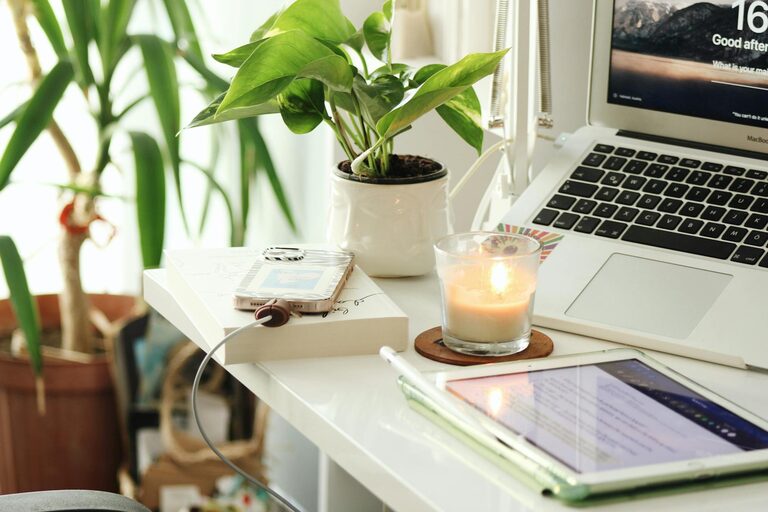
Indoor plants not only improve air quality but can also enhance your mood and add a touch of nature to your office.
Optimize Lighting
Layered Lighting
Combine natural light with ambient lighting and task lighting. A well-lit environment reduces eye fatigue and keeps you alert.
Adjustable Desk Lamp
A lamp with adjustable brightness and positioning can help you focus light exactly where you need it during various tasks.
Minimize Distractions
Create Boundaries
Set clear work hours and communicate them to household members. Use visual cues like a closed door or a “do not disturb” sign when you need focused time.
Limit Noise
If you can’t control external noise, try noise-cancelling headphones or background sound like white noise or instrumental music to help maintain concentration.
Incorporate Technology Wisely
Reliable Equipment
Invest in a good-quality computer, monitor, keyboard, and mouse suitable for your work needs. A fast internet connection is essential for video calls and online tasks.
Backup Power
Consider a surge protector or an uninterruptible power supply (UPS) to protect your equipment and avoid losing work during outages.
Maintain Good Air Quality
Ventilation
Ensure your office space is well-ventilated. Fresh air can help keep you alert and comfortable throughout the day.
Air Purifier
If ventilation is limited, an air purifier can reduce dust and allergens, creating a healthier workspace.
Take Breaks and Move
Schedule Breaks
Incorporate short breaks into your routine to rest your eyes, stretch, and recharge your mind. This helps maintain productivity and reduces fatigue.
Movement-Friendly Setup
Keep space for stretching or simple exercises to encourage regular movement.
Final Thoughts
A cozy and productive home office is achievable by combining practical organization with personal touches that make the space inviting. Taking the time to design your workspace with attention to comfort, lighting, and minimizing distractions will support your focus and well-being, making work from home a more enjoyable and effective experience.